

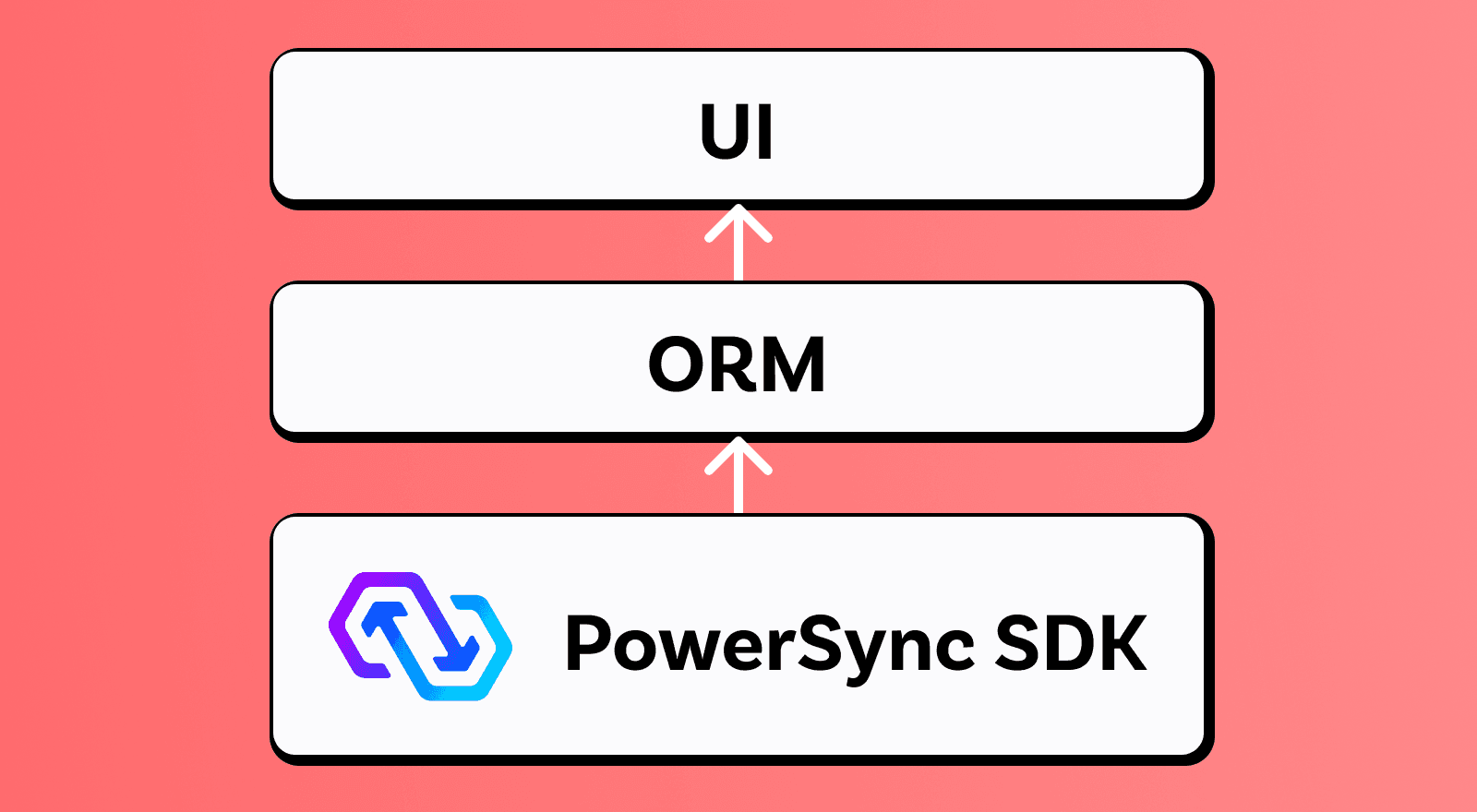
As much as some developers love to drop into raw SQL for advanced queries, it can be annoying to have to write SQL for simple queries, often because there’s no type-safety. Using an ORM helps address this challenge.
What’s available today?
Note: We use “ORM” as a shorthand description of the libraries we’re integrating with. The libraries themselves can provide more than ORM functionality or describe themselves differently: Drift is a "relational persistence library", Kysely calls itself a "query builder” and TinyBase is a “reactive data store”. Similarly, Kotlin libraries like Room and SQLDelight don’t introduce their own query language on top of SQLite — instead, they make working with SQLite databases easier by providing compile-time validation and type safety.
Our plan is to add ORM support for each of our client SDKs. Currently, we integrate with ORMs in our Flutter, JavaScript, Kotlin and Swift SDKs.
Flutter
Flutter ORM Support with Drift
We’ve recently released a package that enables using the popular Drift persistence library (ORM) with the PowerSync SDK for Flutter. Our thanks to the author of Drift, Simon Binder, for his help to enable this integration. The Drift integration gives Flutter developers the flexibility to write queries in either Dart or SQL, in the same app and against the same client-side database.
Importantly, the Drift ORM integration supports propagating change notifications from the PowerSync side to Drift, which is necessary for streaming queries.
The use of this package is recommended for Flutter developers who already know Drift, or specifically want the benefits of an ORM for their PowerSync projects. An example of using the drift_sqlite_async package with PowerSync is available here.
Support for Other Flutter ORMs
Other ORMs for Flutter, like Floor, are not currently supported. It is technically possible to open a separate connection to the same database file using Floor but there are two big caveats to that:
Write locks
Every write transaction (or write statement) will lock the database for other writes for the duration of the transaction. While transactions are typically short, if multiple happen to run at the same time they may fail with a SQLITE_BUSY or similar error.
External modifications
Often, ORMs only detect notifications made using the same library. In order to support streaming queries, PowerSync requires the ORM to allow external modifications to trigger the same change notifications, meaning streaming queries are unlikely to work out-of-the-box.
JavaScript
Kysely
Following a wide evaluation of JavaScript ORMs we chose Kysely as the first ORM to integrate with PowerSync. This choice was driven by Kysely’s unique combination of declarative query building and type-safe imperative APIs.
Kysely integrates with our JavaScript-based SDKs through the kysely-driver package. Visit our docs to learn how to get started.
Drizzle
PowerSync also integrates with Drizzle, which is quickly gaining popularity. Drizzle stands out for offering both relational and SQL-style queries, giving developers the best of both worlds.
Drizzle queries can be used in our JavaScript-based SDKs through the drizzle-driver package. See our docs to get started and for common usage examples.
TanStack DB
TanStack DB is a client-side database for JavaScript that provides a structured way to work with local data using collections, queries, and reactive updates. It’s designed to integrate tightly with the TanStack ecosystem, making it a natural fit for applications that already rely on TanStack Query and related tools.
Our TanStack DB integration lets you define TanStack DB collections that are backed directly by PowerSync tables. PowerSync handles persistence and sync, while TanStack DB provides the query and mutation layer on top. When PowerSync applies synced changes to the local database, those changes are reflected in the corresponding TanStack DB collections, so reactive queries update automatically.
This integration is a good fit if you want a collection-based, reactive API on top of PowerSync without writing SQL in your application code. It works especially well if you’re already using TanStack libraries and want local-first behavior without managing SQLite or sync logic directly.
See these docs for usage details.
TinyBase
TinyBase is a reactive local data store with a query builder, TinyQL, that provides type-safe APIs. TinyBase added support for PowerSync in their version 4.8 release and now ships with a PowerSync persister built-in. Community member Benedikt Müller is the driving force behind this integration and wrote an article on the benefits of this approach.
Kotlin
Room
Room is the official Android persistence library providing an abstraction layer over SQLite that makes it easier to manage and query a local database in Android apps.
Our Room integration lets you keep using your existing Room database while adding sync. Room detects schema and query issues at compile-time and generates code to map raw SQLite rows into typed classes, so you don’t need to write this yourself.
The integration also makes sure PowerSync’s synced changes are visible to Room, so reactive queries continue to update correctly. Room is best if you already have a Room database and want to add sync without changing your existing setup.
See these docs for usage details.
SQLDelight
SQLDelight lets you write raw SQL statements, and the compiler generates type-safe Kotlin APIs for those queries. Without a library like SQLDelight you’d have to manually read values from a Cursor and map each column to the correct fields in your data classes.
All Flows from SQLDelight automatically update for PowerSync’s synced changes, so your reactive queries stay up-to-date without extra work.
SQLDelight is the easiest option if you’re starting fresh with a PowerSync database.
See these docs for usage details.
Swift
GRDB
GRDB is a popular SQLite toolkit for Swift that provides a structured, type-safe way to work with SQLite databases. It includes features like query builders, database observation (reactive queries), robust concurrency handling, and comes with its own ecosystem of tools and libraries.
Our GRDB integration lets you keep using your existing GRDB database while adding sync. PowerSync shares a DatabasePool with GRDB, so synced changes are made visible to GRDB and its observation mechanisms, ensuring reactive queries continue to update correctly. This integration is a good fit if you already use GRDB in a Swift or SwiftUI app and want to add sync without rewriting your database layer. It also brings access to GRDB’s broader ecosystem, including tools like GRDBQuery for SwiftUI bindings.
See these docs for usage details.
Why doesn’t PowerSync have a built-in ORM?
Developers often have strong opinions on using ORMs — they either love it or hate it. With PowerSync our goal is to not force that decision on developers. Instead, we want to allow any approach from raw SQL queries to arbitrary ORM libraries.
We specifically avoid implementing our own ORM since we feel it's better to support popular existing ORMs, which likely do a much better job than we can. It also makes it easier to switch to/from PowerSync if you can keep most of your database code the same.
That said, integrating PowerSync with any ORM unfortunately requires some custom work. However, we do try to do the integration work on a generic level. For example in the case of the Drift ORM for Flutter, the integration is between sqlite_async (which PowerSync uses) and Drift, so you're not locked into PowerSync at all.
I want to use a specific ORM with PowerSync
We’re open to discussing any requirements or ideas around ORMs. Feel free to ask us any questions on our Discord server.