

Background
PowerSync partially syncs your source database to a local in-app SQLite database. Partial sync is defined by a Sync Config: a YAML configuration containing Sync Stream definitions with SQL-like parameterized queries that describe the data to sync to each user.
The PowerSync Service replicates relevant data from the source database, based on the Sync Config, into precomputed "buckets". Connecting clients receive bucket operations through a stream connection organized around checkpoints. A checkpoint usually maps to a set of complete source database transactions. A transaction's operations will never be split between checkpoints.
The PowerSync Service and client SDK automatically synchronize the local SQLite with the source database. Developers can generally rely on local state being applied consistently at the next safe checkpoint.
Reactive queries typically automatically update in-memory state when local SQLite changes are made. This is convenient for reacting to changes from both local (the current user) and externally sourced operations.
For externally sourced operations, PowerSync guarantees that those remote changes would be applied at some point in the future, but historically there wasn't an easy way to definitively answer the question of "is the client fully synced now?"
In the next section we explore this problem in a bit more detail.
Wait for first sync
PowerSync has historically exposed indicators for when the first complete sync has finished (to a freshly-initialized SQLite database). The client-side PowerSync database exposes a global waitForFirstSync method which resolves once the first complete sync has been applied locally.
// App initialization code
await powerSync.waitForFirstSync()
// App now knows the initial completely-synced data is available in SQLite
// Queries should now reflect the user's data at this point in time
We also expose the first sync's completion on a per-stream basis:
const streamSubscription = await db
  .syncStream("todos", { list_id: "abc123" })
  .subscribe();
await streamSubscription.waitForFirstSync();
await streamSubscription.waitForFirstSync();
Those APIs are great for the specific use case of waiting on the first complete sync. However, what we've found from developer feedback is that apps often need to ensure that the local database has been synced again after the first complete sync.
For example, consider this flow:
- A user uses a PowerSync-enabled app.
- App code which relies on
waitForFirstSyncgates certain logic, delaying until the sync completes.
- App code which relies on
- The user closes the app.
- The source database now contains changes which need to be synced to the user.
- The user re-opens the app.
- The first sync has already completed, so
waitForFirstSyncresolves. - The user has pending operations to sync, but the app has no clean way of waiting for those changes to be applied.
- The app typically routes the user to specific views.
- The first sync has already completed, so
For some workflows, the above is fine. Reactive queries typically update with the latest data once the incoming changes have been synced.
For some other workflows, an application might need the latest data to be synced before allowing the user to proceed. A classic example of this could be push notifications. Let's say the application backend committed a change to the source database, which triggered a push notification to the device. The user tapped the notification related to the specific data, opening the application. App logic most likely will need the corresponding data to be queryable once handling the notification tap. Developers often find themselves needing an additional gating mechanism: waiting for the next checkpoint to be synced.
Checkpoints
(Legacy) Write Checkpoints
An internal mechanism called Write Checkpoints is what the PowerSync client SDKs use to ensure data consistency. The general rule for consistency in PowerSync is:
An SDK client won't apply incoming sync operations until all its local mutations have been completed and the source database operations related to those mutations have been received back through the latest checkpoint. This guarantees causal consistency.
The only exception to this is if sync priority 0 is used, but we'll ignore that for this explanation.
The rule above is quite a mouthful, so we can break it down into an example.
As a reminder, the PowerSync Service consumes a CDC replication stream from the source database and replicates its operations into precomputed bucket storage. Consuming this stream requires some form of positional information.
A typical mutation flows through PowerSync as follows:
- The app makes the mutation via a SQLite query, e.g.
INSERT INTO my_table(...) VALUES (...). - The PowerSync client SDK queues this operation and other transaction operations in the upload queue.
- The PowerSync client SDK calls the
BackendConnectoruploadDatamethod at appropriate times, allowing the application code to fetchCrudTransactions orCrudBatches.- The connector passes the mutations to the application backend, where the application backend may modify, persist or deny those mutations from entering the source database.
- The
.complete()method is called on theCrudTransactionorCrudBatch. This removes the entries from the upload queue.
- Once the upload queue is empty, the PowerSync client SDK requests a Write Checkpoint from the PowerSync Service.
- The PowerSync Service associates the current source database replication position with the user and client that requested the Write Checkpoint.
- The PowerSync Service returns a marker to the client, which is a target the SDK uses to wait for the corresponding checkpoint to be received from the PowerSync Service. The SDK won't apply any incoming operations to the local SQLite tables until it has fully received the corresponding checkpoint.
You might ask yourself, why are we talking about uploads when we want to know when the PowerSync client SDK has synced a checkpoint? The reason for all that context is that historic Write Checkpoints have been answering that question all along. It's just been an internal facet of PowerSync. Write Checkpoints have allowed the client SDK to wait for a specific source database state to be present locally; we'd need something similar if we'd like to wait for subsequent checkpoint syncs.
Checkpoint Requests
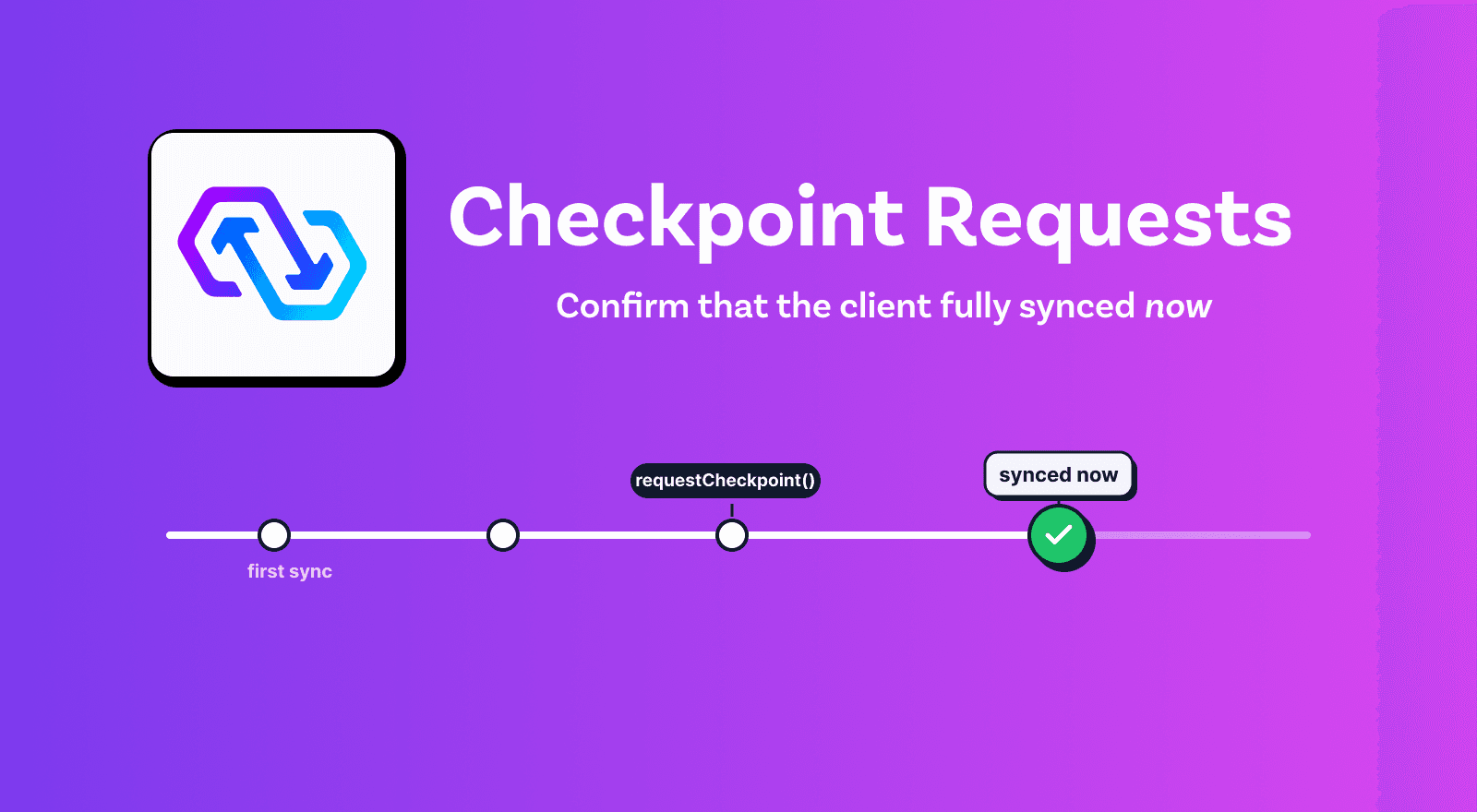
We recently released the Checkpoint Request API across all SDKs, requiring PowerSync Service version 1.24.0 or later. It allows developers to answer the question, "Has the application synced all relevant changes in the source database up to now?"
Checkpoint Requests use the PowerSync Service to make an association with the source database's current replication position. This association is tracked on the client and service side. The PowerSync Service reports to the SDK once the data related to the association has been sent to the client. The client can then notify application code once the Checkpoint Request has been applied. After it's applied, the local SQLite tables will contain all relevant state corresponding to the source database at the time of the association.
Checkpoint Requests require a connected or connecting PowerSync SDK client. A request cannot be created while the client is fully disconnected. While the client is connecting, request creation waits until the PowerSync Service is reachable. If the connection drops while waiting for a created request, the app can reconnect and wait on the same request again.
// Make sure to connect using the new `checkpointMode`
await db.connect(connector, {
  checkpointMode: 'requests'
});

// Perform some operation
// ...

// Create a checkpoint request
const checkpoint = await db.requestCheckpoint();

// Wait for the checkpoint to sync, with a 30-second timeout
await checkpoint.waitForSync({
  signal: AbortSignal.timeout(30_000)
});

// Now the data is available in the local SQLite database
Note: Checkpoint Requests are currently in alpha. Write Checkpoints still exist, but in the future we will completely replace legacy Write Checkpoints with Checkpoint Requests.
Use cases
Waiting for the next sync
For the notification example mentioned, an app can now create a Checkpoint Request and wait for it to be synced when handling the notification app-open event:
async function handleNotification() {
  // ... logic

  const checkpoint = await db.requestCheckpoint();
  await checkpoint.waitForSync({
    signal: AbortSignal.timeout(30_000)
  });

  // The app can now query for data related to the notification event
  // and navigate to specific views if necessary.
}
How we use Checkpoint Requests in the Dashboard
We're using Checkpoint Requests in the PowerSync Dashboard itself to handle a subtle timing issue: a management API call could succeed before the resulting change reached the browser's local database. After creating an instance, for example, the dashboard could try to open its page before its data was available locally. Requesting a checkpoint after the API call lets us wait for local sync to catch up before navigating.
Waiting for writes
The PowerSync client SDK uses the same mechanism for Checkpoint Requests as it does for the historic Write Checkpoint gates mentioned above. This means that the existing consistency gates and Checkpoint Requests are inherently linked. For Write Checkpoints:
An SDK client won't apply incoming sync operations until all its local mutations have been completed and the source database operations related to those mutations have been received back through the latest checkpoint.
This ties Checkpoint Requests and local mutations. A user can now write code like this:
async function someMutation() {
  // Perform some local writes
  await db.execute(
    `INSERT INTO ${TODOS_TABLE}
      (id, created_at, created_by, description, list_id, completed)
     VALUES (uuid(), datetime(), ?, ?, ?, ?)`,
    [
      connector.currentUserID,
      todo.description,
      listId,
      todo.isComplete ? 1 : 0
    ]
  );

  // This queues the local write for asynchronous upload.

  // Create a checkpoint request and wait for it to sync.
  const checkpoint = await db.requestCheckpoint();
  await checkpoint.waitForSync({
    signal: AbortSignal.timeout(30_000)
  });

  // The PowerSync client SDK and Service associate the request with the
  // current database replication position and wait for that data to be
  // synced and applied locally.
  //
  // The consistency barriers also ensure that the wait completes only
  // after the local write has been uploaded and the corresponding
  // checkpoint has been synced and applied locally.
  //
  // The application backend has now processed the local write above,
  // and the result of that processing is available locally.
  // We can query the database for any additional changes the backend
  // made when creating the TODO record.
}
The code above is possible due to our gating logic for applying incoming changes while local mutations are in the upload queue. Essentially, we perform a local mutation which queues the item for upload. We also create a Checkpoint Request after the mutation. If that explicit request is created while the upload is pending, the SDK creates a newer internal request after the upload queue empties. We'll only get a resolve once the effective checkpoint has been synced.
Note: The exact request ordering is not deterministic. The upload may complete and create its internal Checkpoint Request before the explicit db.requestCheckpoint() call. In either order, the checkpoint gate remains valid and the wait only completes after the relevant upload state and requested source database state have been applied locally.
This assumes that uploadData() returns only after the application backend has committed the uploaded changes to the source database. Application backends that process uploads asynchronously should use Custom Checkpoint Request handlers by implementing CustomCheckpointRequestConnector, so the checkpoint is created only after the queued work has been processed. See additional details in our documentation.
This effectively provides a means for waiting for the upload queue to drain and the next checkpoint to be synced.
Intermittent sync
Now that we can wait for the next sync, we can temporarily connect a client to PowerSync, wait until the requested checkpoint has been fully applied, then disconnect. This could be useful in cases where apps don't need to be permanently connected to the PowerSync Service.
async function sync() {
  await db.connect(connector, {
    checkpointMode: 'requests'
  });

  const checkpoint = await db.requestCheckpoint();
  await checkpoint.waitForSync({
    signal: AbortSignal.timeout(30000)
  });

  // No need to stay connected after we've got the latest data
  await db.disconnect();
}
Conclusion
PowerSync already keeps the local SQLite database continuously and reactively in sync. Checkpoint Requests add an explicit synchronization boundary: an application can ask the PowerSync Service to capture the source database's current replication position, then wait until all relevant data through that position has been applied locally.
waitForFirstSync answers, "Has this database completed its initial sync?" A Checkpoint Request answers, "Has this database caught up to the relevant source database state now?" That distinction makes flows such as notification handling, explicit refreshes, write-dependent actions and intermittent sync easier to coordinate without polling or relying on arbitrary delays.
In short, Checkpoint Requests turn an eventual catch-up into an observable application event. When an app needs to know that relevant source data is locally available before it proceeds, it can now wait for that point directly.