


Add real-time sync to SQL Server
Sync Streams handle partial syncing under the hood, giving every user just the data they need.
polling


HTTP
stream
How data syncs from SQL Server to client-side SQLite

PowerSync connects to your SQL Server database over TCP with permissions to read the source and CDC change tables.

After an initial snapshot of data is taken, PowerSync polls CDC change tables to capture row-level changes.

PowerSync is designed to automatically handle most schema change scenarios in SQL Server, with no need for client-side migrations.

PowerSync only syncs updates from the relevant source and CDC change tables based on the configured Sync Streams.

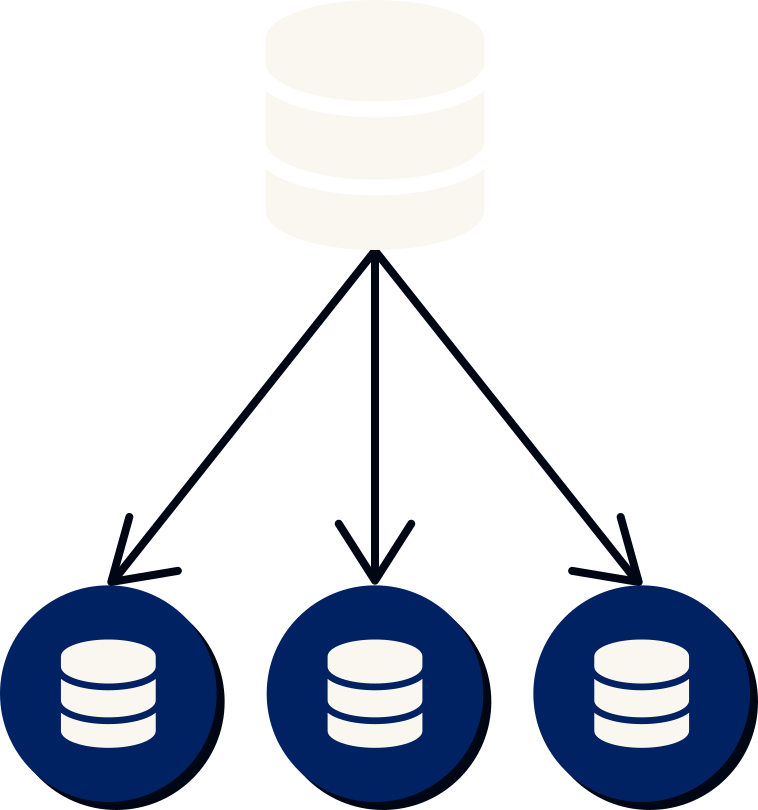
The PowerSync Service tracks changes to data, allowing for efficient delta syncing to clients.

You define Sync Streams that control which data can be synced by clients. Data is grouped and shared efficiently between users to avoid duplication.

Clients authenticate against the PowerSync Service using JWTs.

The client SDK does an initial sync of data based on the user's Sync Streams subscriptions, and then incrementally keeps it updated in real-time.

Writes are immediately applied locally, and queued for upload to your backend API. The PowerSync client SDK automatically handles failures and retries.


On the client, data is persisted to a SQLite database.

Live reactive queries can be used to update the UI when data changes.

PowerSync uses a server-authoritative architecture with a checkpoint system to guarantee consistency.

Your backend accepts uploaded writes and then applies them to your SQL Server database.